Pinnacle-comp Dotfiles




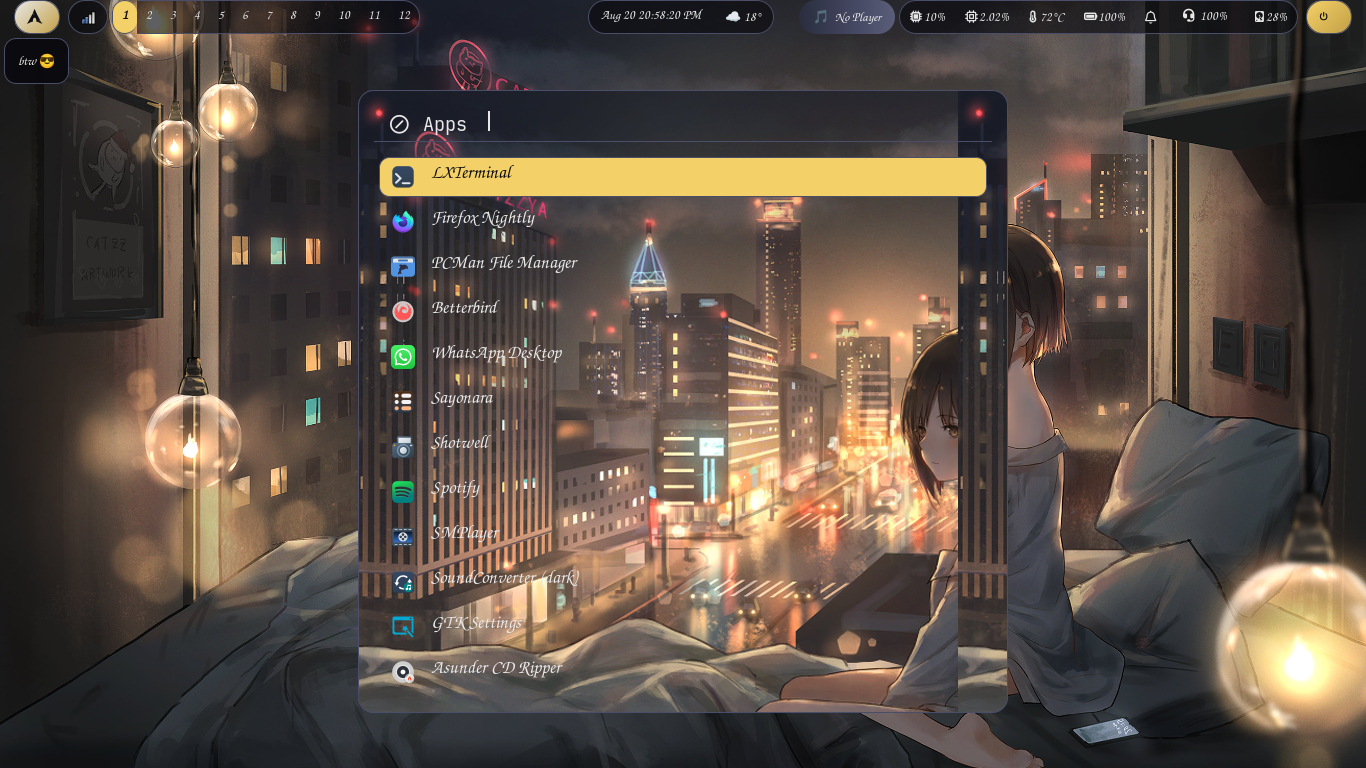
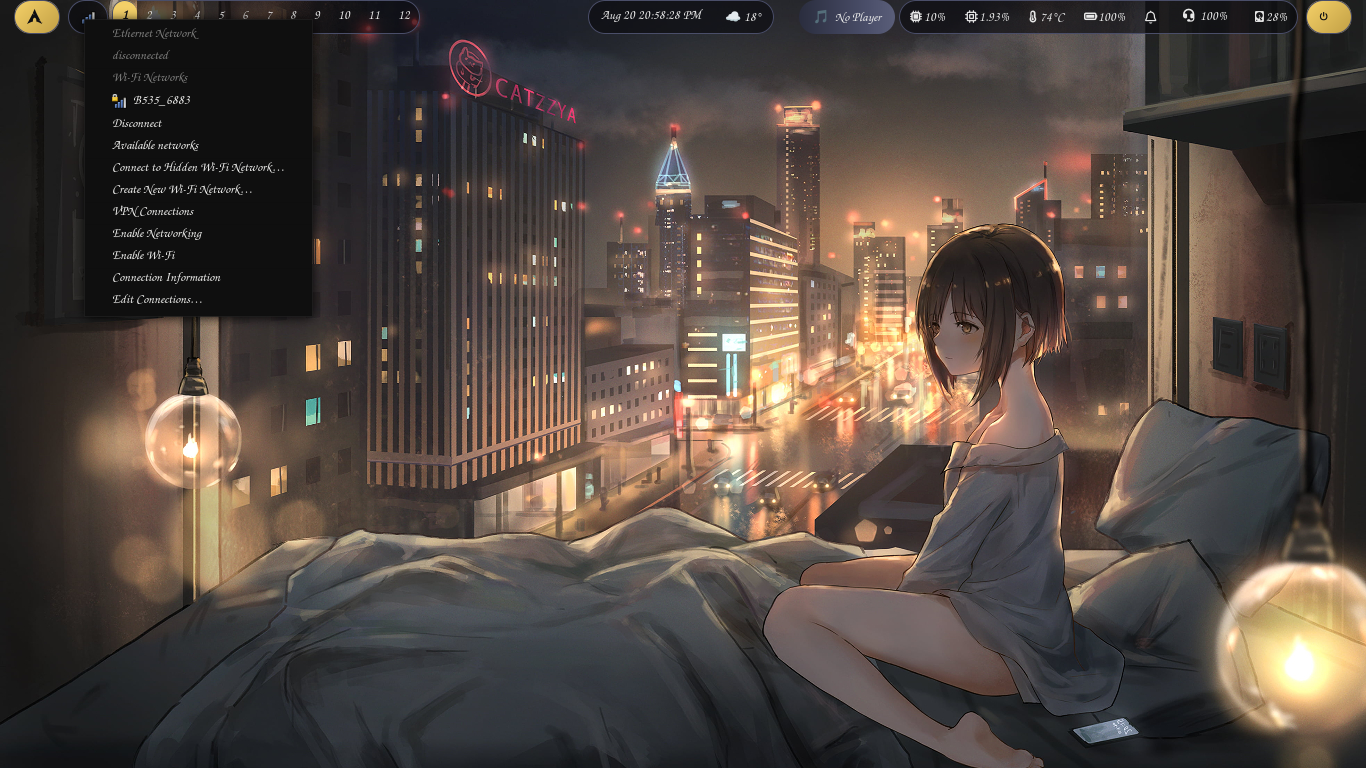
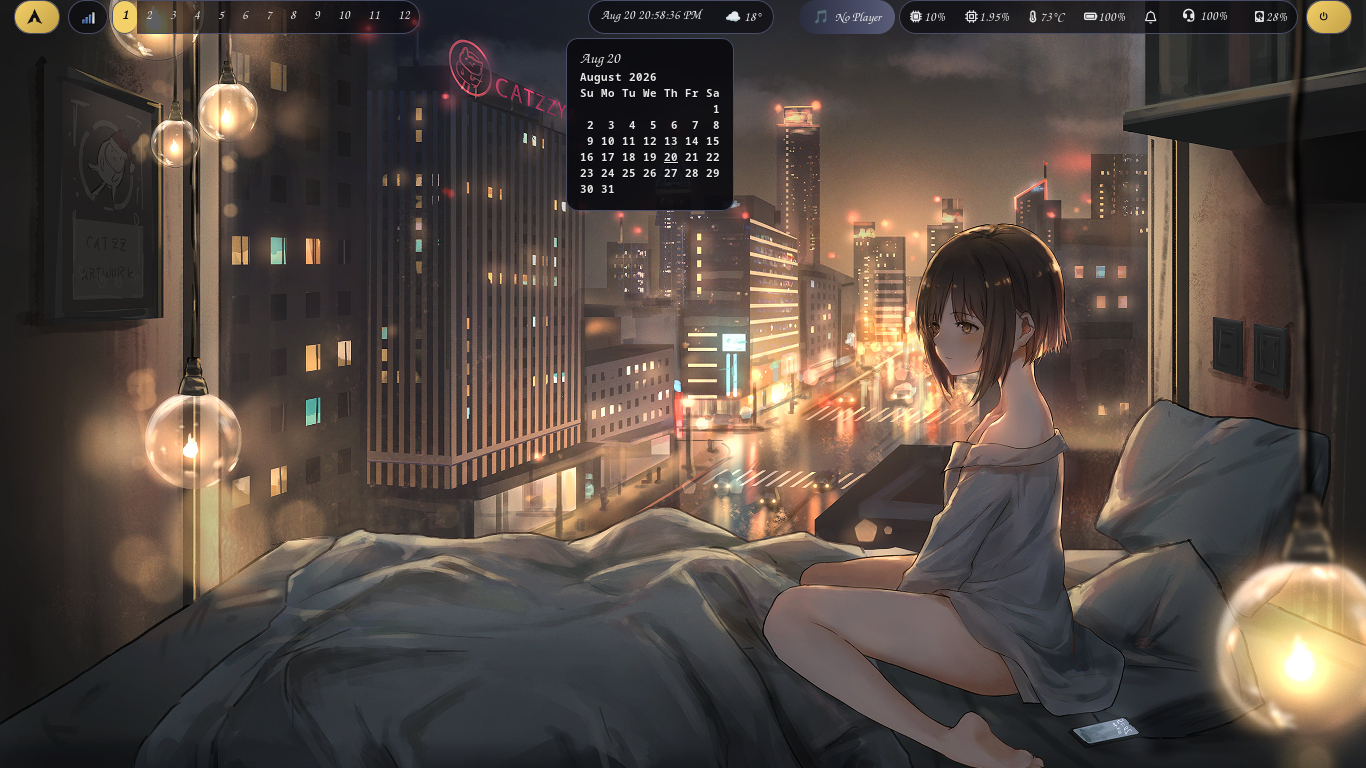
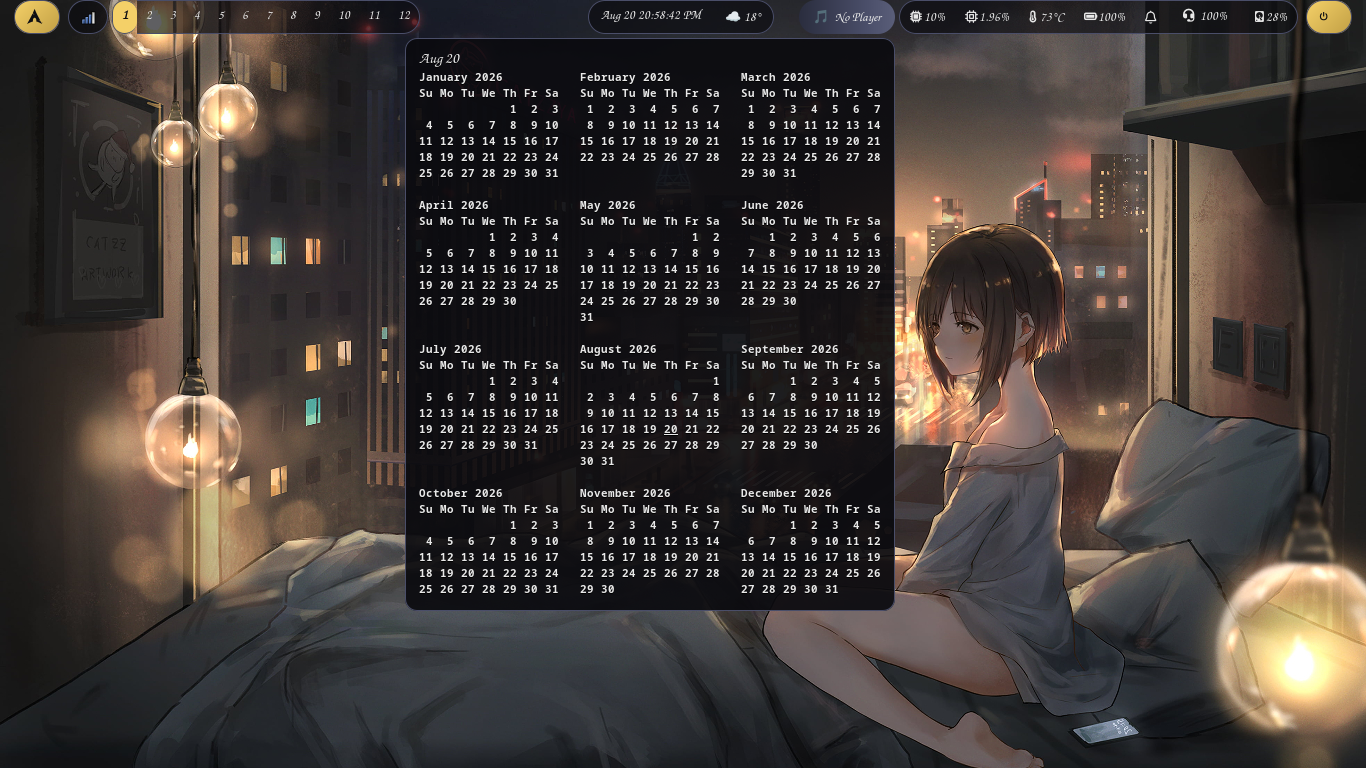
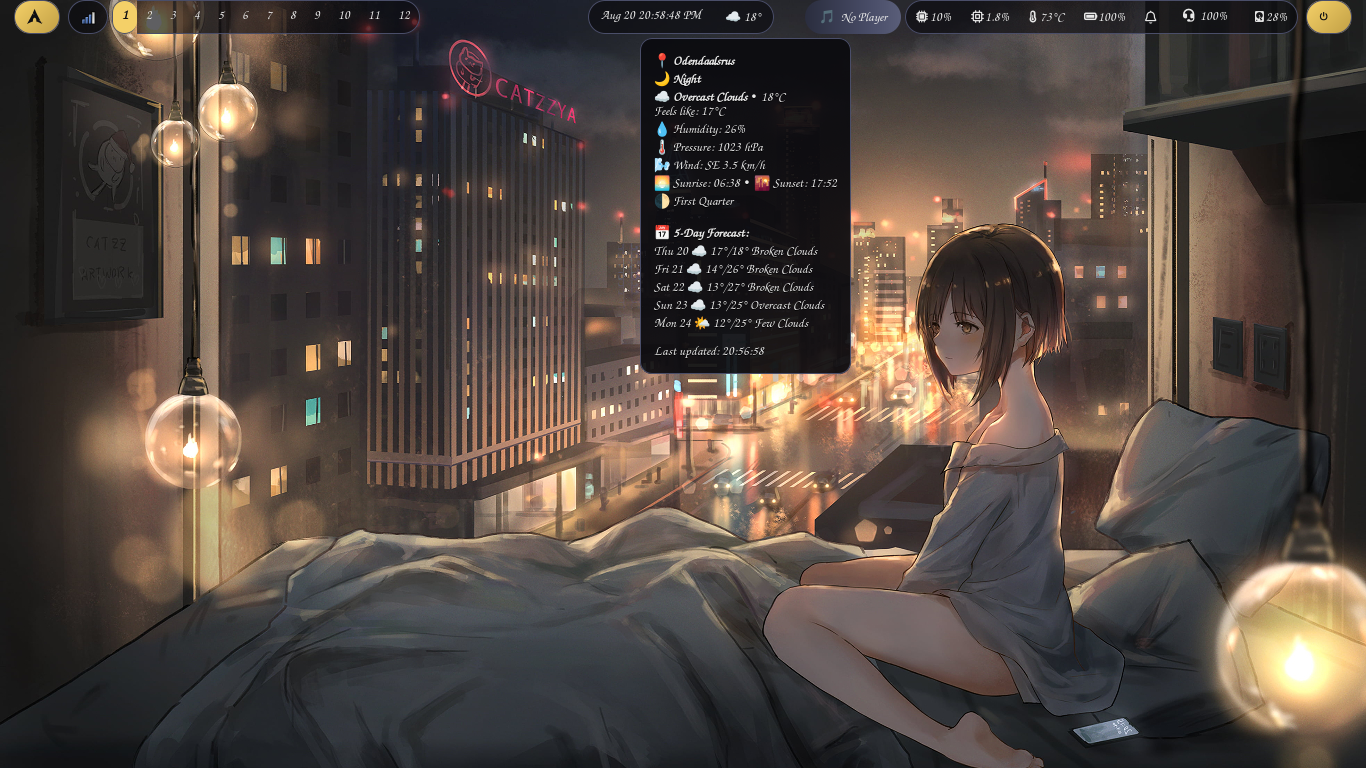
Smithay-based, AwesomeWM-inspired Wayland compositor riced with the City Lights theme: twelve clickable tag pills, night-sky waybar, amber streetlight accents.
✨ Features
- 12 clickable tags: waybar pills that really switch workspaces, driven straight through Pinnacle's gRPC API.
- City Lights theme: transparent night-sky pills, muted blue-gray borders, warm amber (
#F4D068) accents. - Active tag = filled amber button, inactive tags sheer — exactly the classic workspace look.
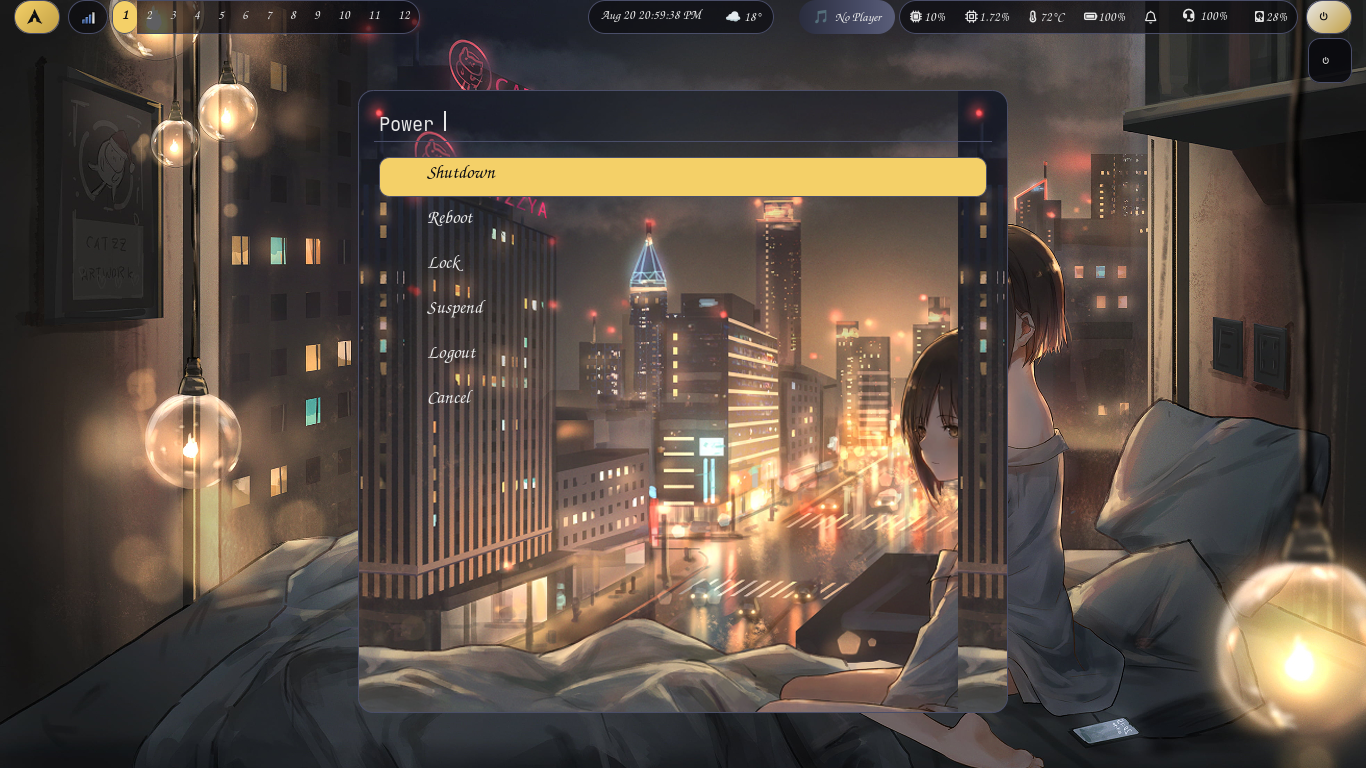
- Rofi launcher & powermenu, swaybg wallpaper, grim screenshots on
Print. - Snowcap disabled on purpose — no forced border colors, clean borderless look (see below).
- Installed with
trizen— the whole compositor comes from the AUR.
📦 Installation
Pinnacle itself:
trizen -S pinnacle-comp
Useful companions (most are AUR/extra packages you likely already have):
trizen -S waybar rofi swaybg grim lxterminal brightnessctl playerctl pipewire
Then drop the configs in place:
cp -r configs/pinnacle ~/.config/pinnacle
Log into the Pinnacle session from your display manager.
🖱️ Clickable workspaces in Waybar — the full story
This is the heart of this repo. Stock waybar + stock Pinnacle cannot switch workspaces on click. Here is why, and how we fixed it.
The problem
Pinnacle does not have workspaces — it has tags (dwm/AwesomeWM style). Several tags can be active at once. Waybar's ext/workspaces module speaks the ext-workspace-v1 protocol, and on click it sends activate. Pinnacle honours that literally: it makes the clicked tag active in addition to the current one. Result: the pill highlights, but the screen never "switches". Keybinds work because the Lua config calls Tag.get(n):switch_to(), which activates one tag and deactivates all others.
The solution in one sentence
Waybar on-click → tiny shell script → pinnacle client -e '<lua>' → gRPC socket → switch_to().
pinnacle client ships with the compositor and accepts -e to execute a Lua string against the running instance. Everything below is just removing the three rocks in that path.
Rock 1 — the Lua version mismatch
The Pinnacle Lua API is installed for Lua 5.4 (/usr/share/lua/5.4/pinnacle.lua), but pinnacle client spawns the system lua, which on Arch is 5.5 → module 'pinnacle' not found. (Loading the 5.4 paths manually also fails, because pinnacle.lua invokes luarocks.loader, which rewrites the search paths for the running version.)
Fix — a shim so the client gets the right interpreter:
mkdir -p ~/.bin
printf '#!/bin/sh\nexec /usr/bin/lua5.4 "$@"\n' > ~/.bin/lua
chmod +x ~/.bin/lua
Scripts then run with PATH="$HOME/.bin:$PATH" pinnacle client ....
Rock 2 — the gRPC socket environment variable
The client refuses to start without PINNACLE_GRPC_SOCKET. Pinnacle opens the socket at /run/user/<uid>/pinnacle-grpc-<PID>.sock — note the PID in the name.
Rock 3 — stale sockets after re-login
Dead Pinnacle processes leave corpse sockets behind. A naive ls | head -n1 picks them alphabetically, and connecting to a corpse yields socket:connect: Connection refused. Fix — address the socket by the live PID, newest file as fallback:
PID="$(pgrep -x pinnacle | head -n1)"
export PINNACLE_GRPC_SOCKET="/run/user/1000/pinnacle-grpc-$PID.sock"
[ -S "$PINNACLE_GRPC_SOCKET" ] || export PINNACLE_GRPC_SOCKET="$(ls -t /run/user/1000/pinnacle-grpc-*.sock 2>/dev/null | head -n1)"
The scripts (scripts/)
switch_tag.sh — called by waybar on click; switches exclusively:
#!/bin/bash
TAG="$1"
[ -z "$TAG" ] && exit 1
PID="$(pgrep -x pinnacle | head -n1)"
export PINNACLE_GRPC_SOCKET="/run/user/1000/pinnacle-grpc-$PID.sock"
[ -S "$PINNACLE_GRPC_SOCKET" ] || export PINNACLE_GRPC_SOCKET="$(ls -t /run/user/1000/pinnacle-grpc-*.sock 2>/dev/null | head -n1)"
[ -z "$PINNACLE_GRPC_SOCKET" ] && exit 1
PATH="$HOME/.bin:$PATH" exec pinnacle client -e "require('pinnacle.tag').get('$TAG'):switch_to()" >/dev/null 2>&1
tag_state.sh — polled by waybar; reports the tag as JSON so the active one gets a CSS class:
#!/bin/bash
TAG="$1"
PID="$(pgrep -x pinnacle | head -n1)"
export PINNACLE_GRPC_SOCKET="/run/user/1000/pinnacle-grpc-$PID.sock"
[ -S "$PINNACLE_GRPC_SOCKET" ] || export PINNACLE_GRPC_SOCKET="$(ls -t /run/user/1000/pinnacle-grpc-*.sock 2>/dev/null | head -n1)"
[ -z "$PINNACLE_GRPC_SOCKET" ] && exit 1
ACTIVE="$(PATH="$HOME/.bin:$PATH" pinnacle client -e "print(tostring(require('pinnacle.tag').get('$TAG'):active()))" 2>/dev/null | tail -n1)"
if [ "$ACTIVE" = "true" ]; then
    printf '{"text": "%s", "class": "active"}\n' "$TAG"
else
    printf '{"text": "%s", "class": "idle"}\n' "$TAG"
fi
Waybar config.jsonc
ext/workspaces is removed entirely. Twelve custom modules take its place (one per tag), plus they sit in modules-left:
"custom/tag1": { "exec": "~/.config/pinnacle/scripts/tag_state.sh 1", "interval": 2, "return-type": "json", "on-click": "~/.config/pinnacle/scripts/switch_tag.sh 1", "tooltip": false },
/* ... repeat for 2–12 ... */
Waybar style.css (the pill)
Each tag is a segment of one sheer pill; first and last segments carry the rounded caps; the active class paints the filled amber button:
#custom-tag1, /* … */ #custom-tag12 {
    background: @night-sky;
    border-top: 1px solid @city-border;
    border-bottom: 1px solid @city-border;
    padding: 2px 9px;
    color: @off-white;
}
#custom-tag1  { border-left: 1px solid @city-border;  border-radius: 17px 0 0 17px; }
#custom-tag12 { border-right: 1px solid @city-border; border-radius: 0 17px 17px 0; margin-right: 4px; }
#custom-tag1.active, /* … */ #custom-tag12.active {
    background: @streetlight;
    color: @shadow;
    font-weight: bold;
    border-radius: 14px;
}
Restarting waybar — the ghost-bar trap
Waybar reads its files only at startup. After any change, old instances keep the old look and stack on top of new ones, which causes endless "but I changed it" confusion. Always:
pkill -9 waybar
waybar -c ~/.config/pinnacle/waybar/config.jsonc -s ~/.config/pinnacle/waybar/style.css >/dev/null 2>&1 &
❄️ Why Snowcap is disabled
Snowcap is Pinnacle's widget/decoration addon. Its focus_border_with_titlebar decoration paints its own border colors, which override any custom border color you set — the "weird colored borders" problem. In config.lua the require is simply commented out:
-- local Snowcap = require("pinnacle.snowcap")
Every if Snowcap then ... end block then safely skips, and the session runs clean and borderless. To re-enable, uncomment the line and hit super+ctrl+r.
⌨️ Key keybinds (mod = super)
| Bind | Action |
|---|---|
| super + 1–9 / 0 / F1 / F2 | Switch to tag 1–12 |
| super + ctrl + number | Toggle tag |
| super + shift + number | Move window to tag |
| super + space / shift + space | Cycle layouts |
| super + Return | Terminal |
| super + d / r | Rofi drun / run |
| super + f / m / ctrl+space | Fullscreen / maximize / float |
| super + shift + c | Close window |
| super + ctrl + r | Reload config |
| super + shift + q | Quit Pinnacle |
| grim screenshot |
🧪 Troubleshooting
| Symptom | Cause & fix |
|---|---|
module 'pinnacle' not found |
lua 5.5 spawning instead of 5.4 — install the ~/.bin/lua shim and prepend it to PATH |
PINNACLE_GRPC_SOCKET was not set |
export it from the live PID (see scripts) |
socket:connect: Connection refused |
stale corpse socket — use PID-based discovery or ls -t, and rm the corpse |
| clicks do nothing | two waybar instances — pkill -9 waybar, start one |
| config change "not applying" | waybar only reads files at startup — restart it |
📚 Documentation site
Built with mkdocs (Material theme):
mkdocs build
mkdocs gh-deploy
Hosted at: https://wgparch.codeberg.page/pinnacle-comp/
📸 Screenshots